27 नव॰ 2026
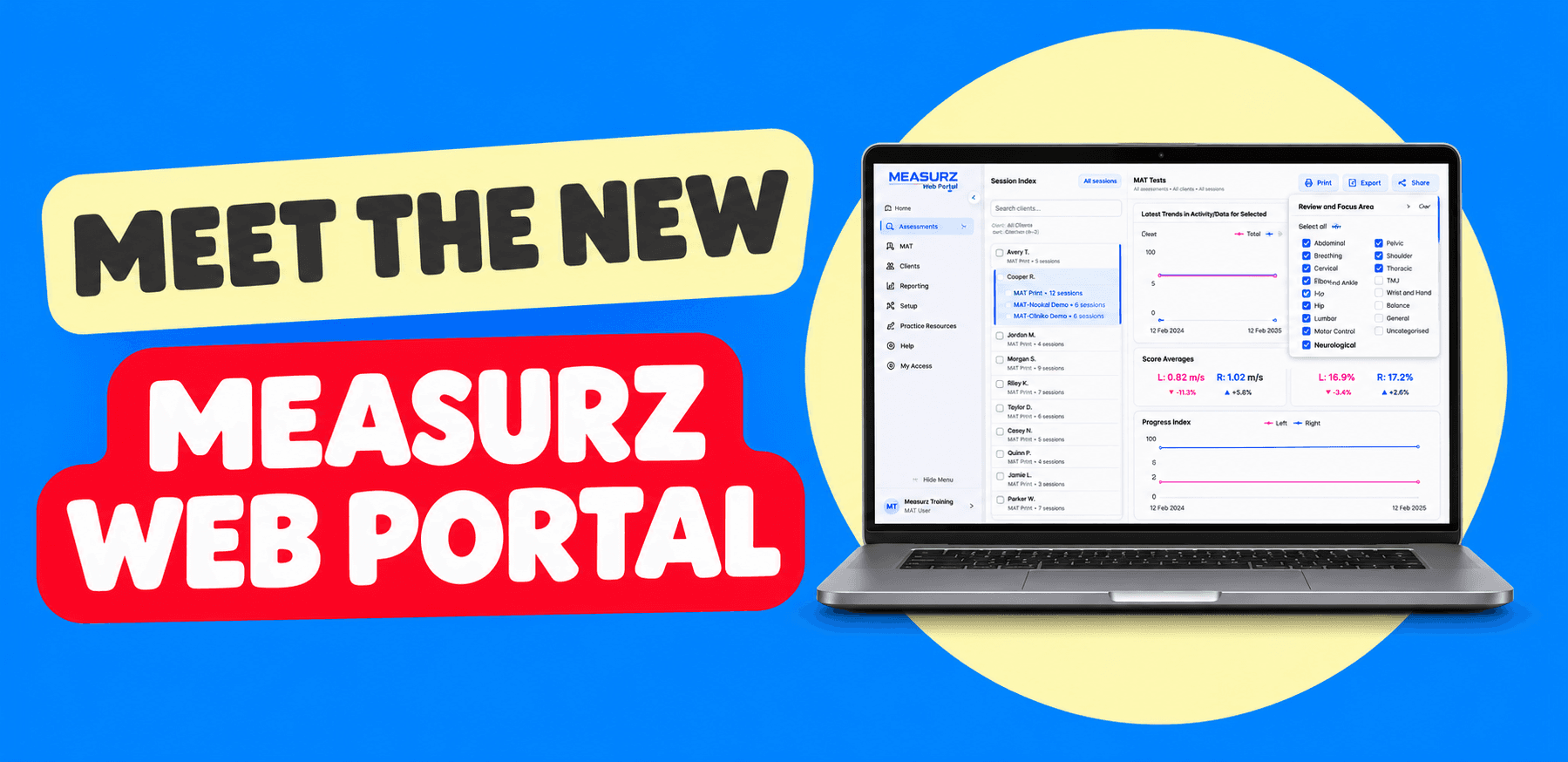
Find clients with live search and browse them in a redesigned card layout. Search a client’s session history by session, test, or date.
Open the Session Inbox automatically after signing in. Preview results, add clients, and clear multiple sessions from the inbox at once.
Merge duplicate client records while keeping their sessions, results, and notes together. Client lists and session details also load faster.
Compare results across sessions with interactive progress graphs. New assessment results appear alongside earlier tests in session views, graphs, and reports.
Use Quick Copy to choose which results to paste into your clinical notes. Customise which metrics and notes go into PDFs, or email reports directly from the portal.
PDF reports generate faster and session graphs load more quickly, especially for clients with long test histories.
Follow clearer setup guides and send condensed session summaries to Nookal or Cliniko.
Import your full Nookal client list when you first connect your account.
Sign in or register on redesigned screens with clearer instructions and updated Google and Apple sign-in buttons. If you verify your email in the same browser you used to register, you’ll be signed in automatically.
Reset your password with a guided flow, or open the Help Centre, Training, and Feature Requests from the portal menu.